

Table of Contents (Click to jump):
What is pixiv? Why is it so important?
Whether you're an illustrator or simply a user who enjoys viewing artwork, pixiv is a platform you cannot ignore. This creative community originating from Japan gathers the world's most outstanding artists and most passionate fans. Thousands of new works are uploaded daily, ranging from illustrations to manga to novels, offering extremely rich content. Many people are amazed by the massive volume of high-quality works when they first encounter pixiv, but the immediate question is: which is the official entry point?
Why must you use the official entry?
The consequences of using the wrong entry are serious. Fake websites will steal your account password, phishing links may infect your device with malware, and third-party downloaded APK files are riddled with malicious code. What's worse, some fake websites look exactly like the real one. Only after you've paid for a membership or uploaded your work do you discover your account isn't protected by the official platform. So remember one rule: stick to the official website address and legitimate app stores. Don't be penny wise and pound foolish.
The official entry not only ensures security but also gives you immediate access to the latest features. Official servers are stable, image loading is fast, and the community atmosphere is more authentic. Those copycat sites are full of ads, offering such a poor experience that it'll make you question life.
Detailed explanation of the official web portal
The only official website address for pixiv is www.pixiv.net. This domain has been operating since 2007 and has never changed. When accessing, pay attention to the browser address bar. Only URLs ending with pixiv.net are genuine.
1. Directly typing the URL in your browser is the safest method. Don't click links through search engines, as results may contain ads and phishing sites.
2. It's recommended to bookmark the official site in your browser. Next time, click the bookmark directly for convenience and safety.
3. If the site won't open, first check your network connection, then verify the URL spelling is correct. Pay special attention to the difference between the letter 'l' and the number '1'. Many fake domains use such subtle differences to deceive.
Official app download channels
pixiv's official app has only two legitimate channels; any other sources are unreliable. The mobile experience is smoother than the web version. Regular users are recommended to download and install it.
There's also a direct cloud download package for P-station available here. Click the link on the right to get it: https://pan.quark.cn/s/7b0907119fbe
Download method for Apple devices
The process on iPhone or iPad is very simple. Open the App Store, type "pixiv" in the search box. The first result is the official app, with the developer shown as pixiv Inc. Verify this developer name to avoid downloading counterfeits.
1. Tap the "Get" button and wait for the download to complete and install automatically.
2. When you first open it after installation, you can log in directly with your web account. Your bookmarked works and following list are fully synchronized.
3. If you can't find it in your region's App Store, try switching to a Japanese or US region account. pixiv is definitely available in these regions.
Download method for Android devices
Android users must download through the Google Play Store. Open the Play Store on your phone, search for "pixiv", and find the app with developer pixiv Inc.
1. Never download from any third-party app markets. Over 90% of APK files from those sources have been tampered with.
2. Check app permissions before downloading. The legitimate pixiv only needs storage and network permissions. If it requests sensitive permissions like reading your contacts, it's definitely fake.
3. After installation, it's recommended to disable the "Unknown sources" app installation permission in system settings to prevent accidental installation of malware in the future.
Security warnings and anti-scam guide

The online environment is complex, and scammers are becoming increasingly sophisticated. Here are key points to remember that can save you a lot of trouble.
First, absolutely avoid cracked versions. Those cracked apps claiming to remove ads, skip login, or unlock premium features are all stealing your account information behind the scenes. Why would they give it to you for free? There's no such thing as a free lunch.
Second, be wary of links on social media. QQ groups, WeChat groups, and Weibo comment sections often have people posting so-called "fast lanes" that lead to phishing sites. Remember, the official platform never promotes through these channels.
Third, change your password regularly. Even when using the official entry, maintain good habits. Set complex passwords with a combination of uppercase, lowercase letters, and numbers. Avoid weak passwords like birthdays or "123456".
Quick FAQ
Q: Is data synchronized between web and app versions?
A: Yes, completely synchronized. Works you bookmark on the web are immediately visible in the app. Your following list, browsing history, and notifications are all synchronized in real-time.
Q: Why can't I access the official site sometimes?
A: It could be due to network fluctuations or regional restrictions. Try switching network environments or testing with your phone's hotspot. If you consistently can't access it, consider using legitimate network acceleration tools.
Q: Does the official app cost money to download?
A: Completely free. The pixiv official app never charges download fees, and most content inside is also free. Only some premium features require membership, but that's entirely optional.
Core summary and usage tips
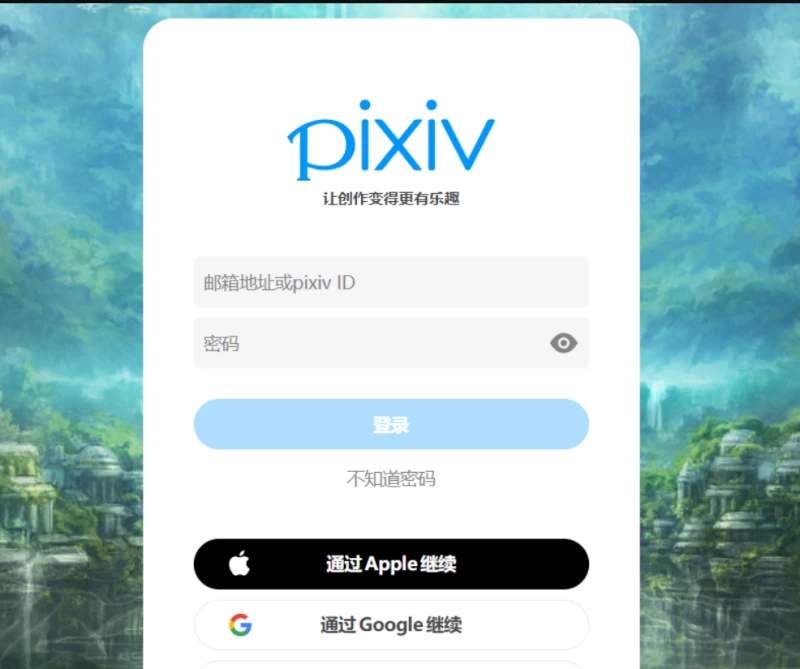
In essence, using pixiv comes down to these key points. For web, stick to www.pixiv.net. For mobile, stick to official app stores. Avoid third-party downloads. Pay attention to account security.
1. New users are recommended to start with the web version to familiarize themselves with the features before downloading the app.
2. Creators should definitely get a membership. Advanced search and data analysis features are hugely helpful for increasing work exposure.
3. Regular users should make use of tag searches and ranking features to quickly find high-quality works and avoid getting lost in the massive content.
4. Regularly clear the cache. The app accumulates large amounts of image cache over time, taking up phone storage.
That's basically it. Remember the official address and legitimate app stores. Stay away from other flashy stuff. Use safely, enjoy viewing artwork, and keep it simple.








Publish Comments